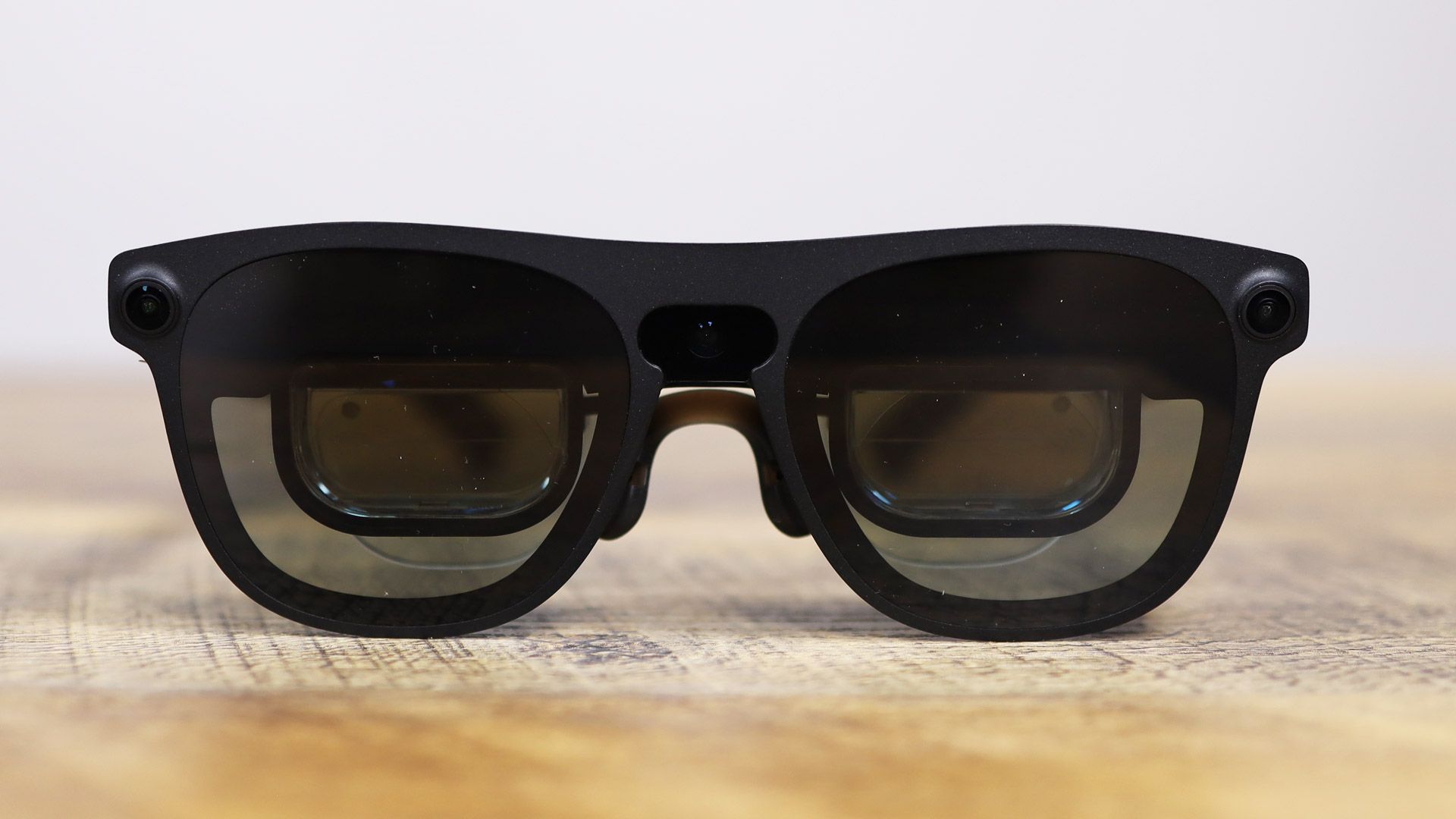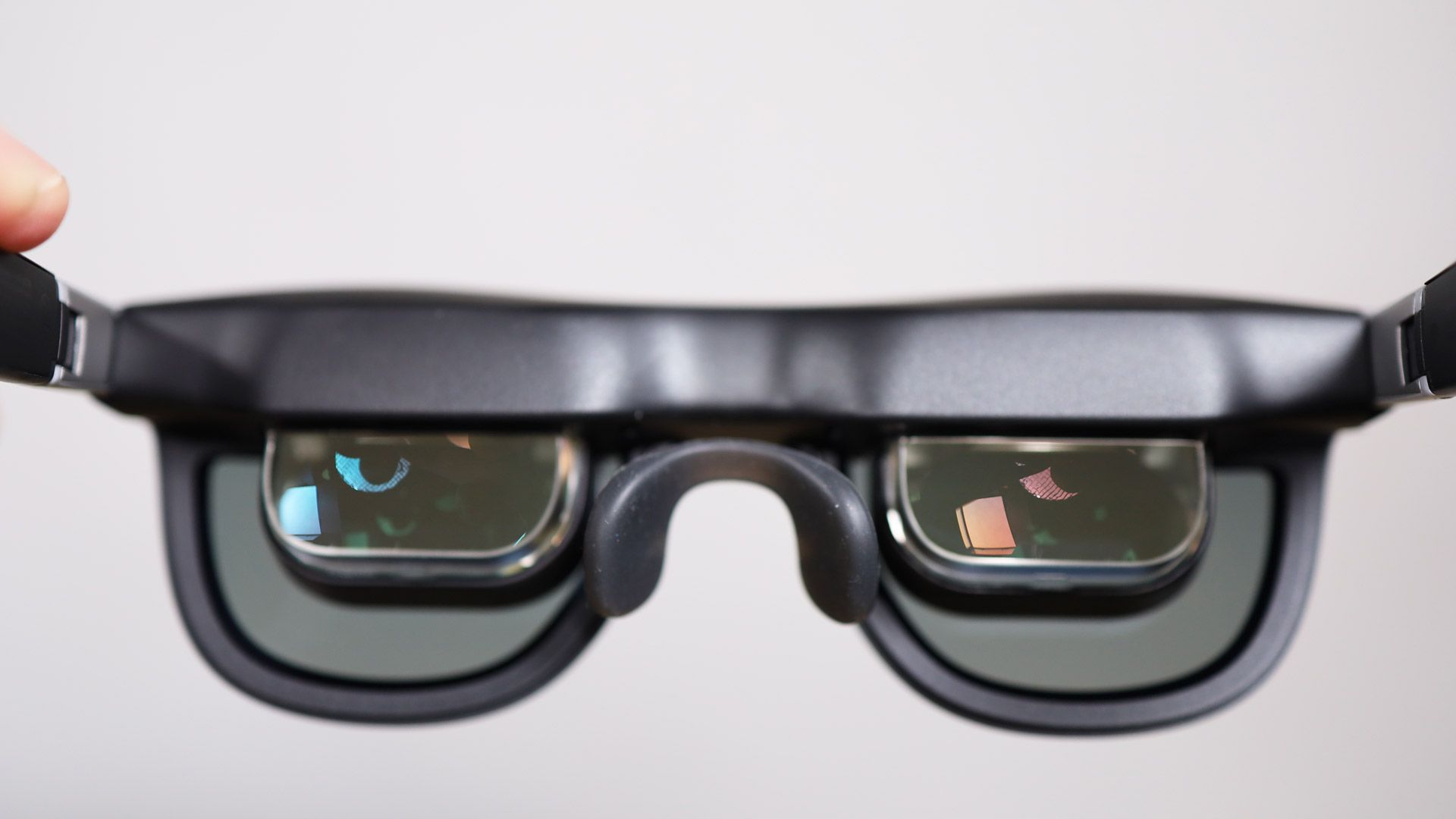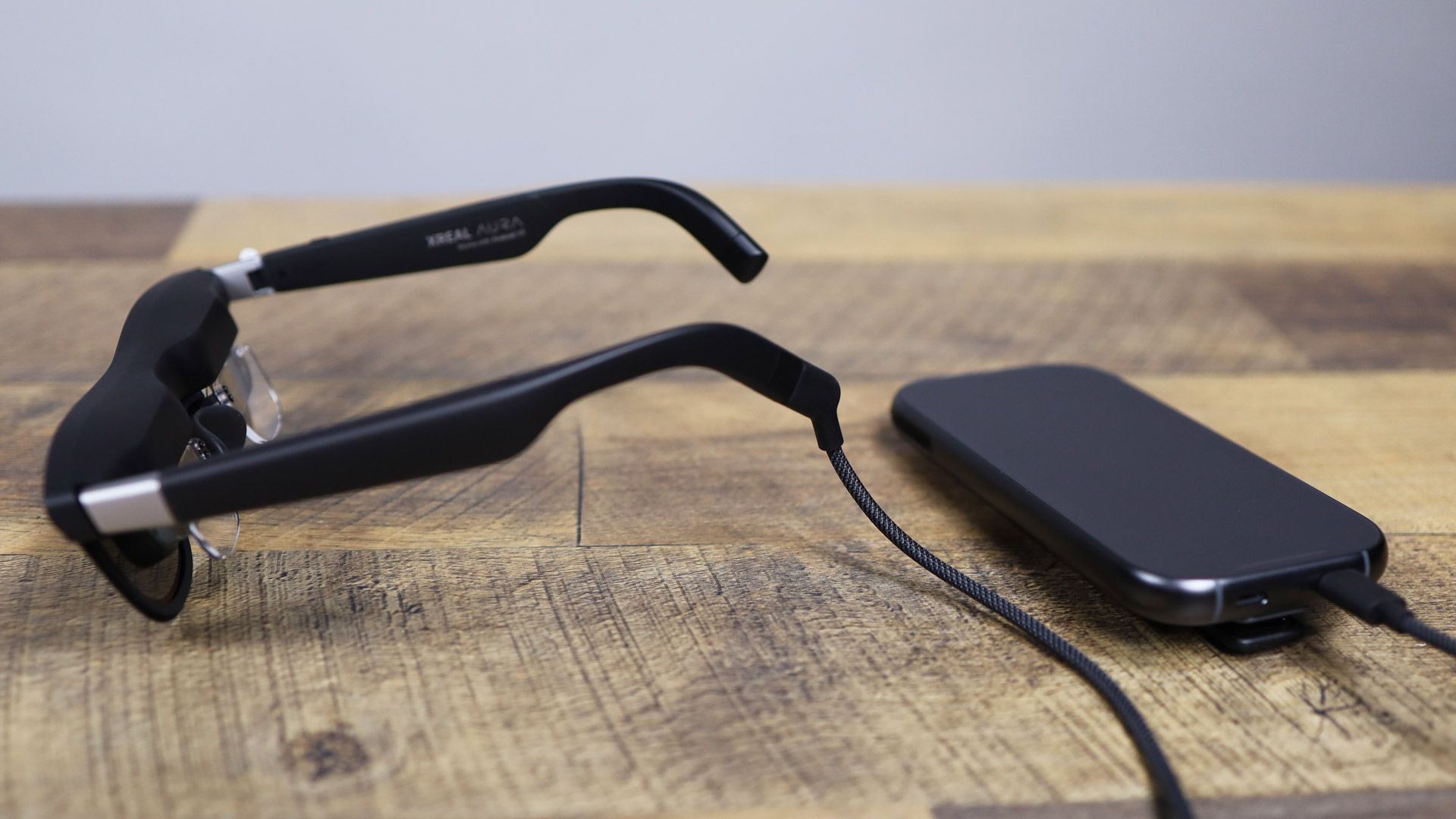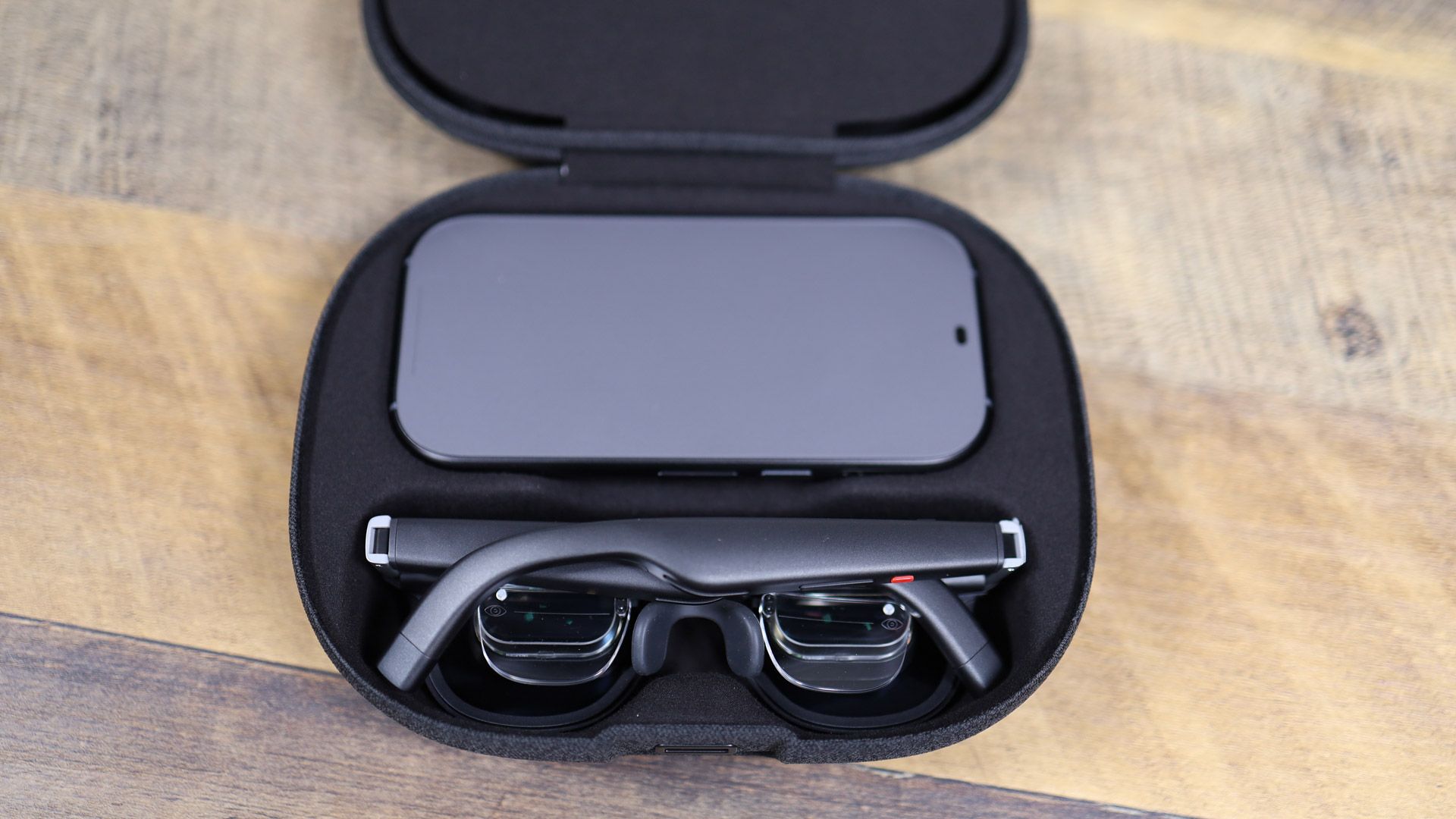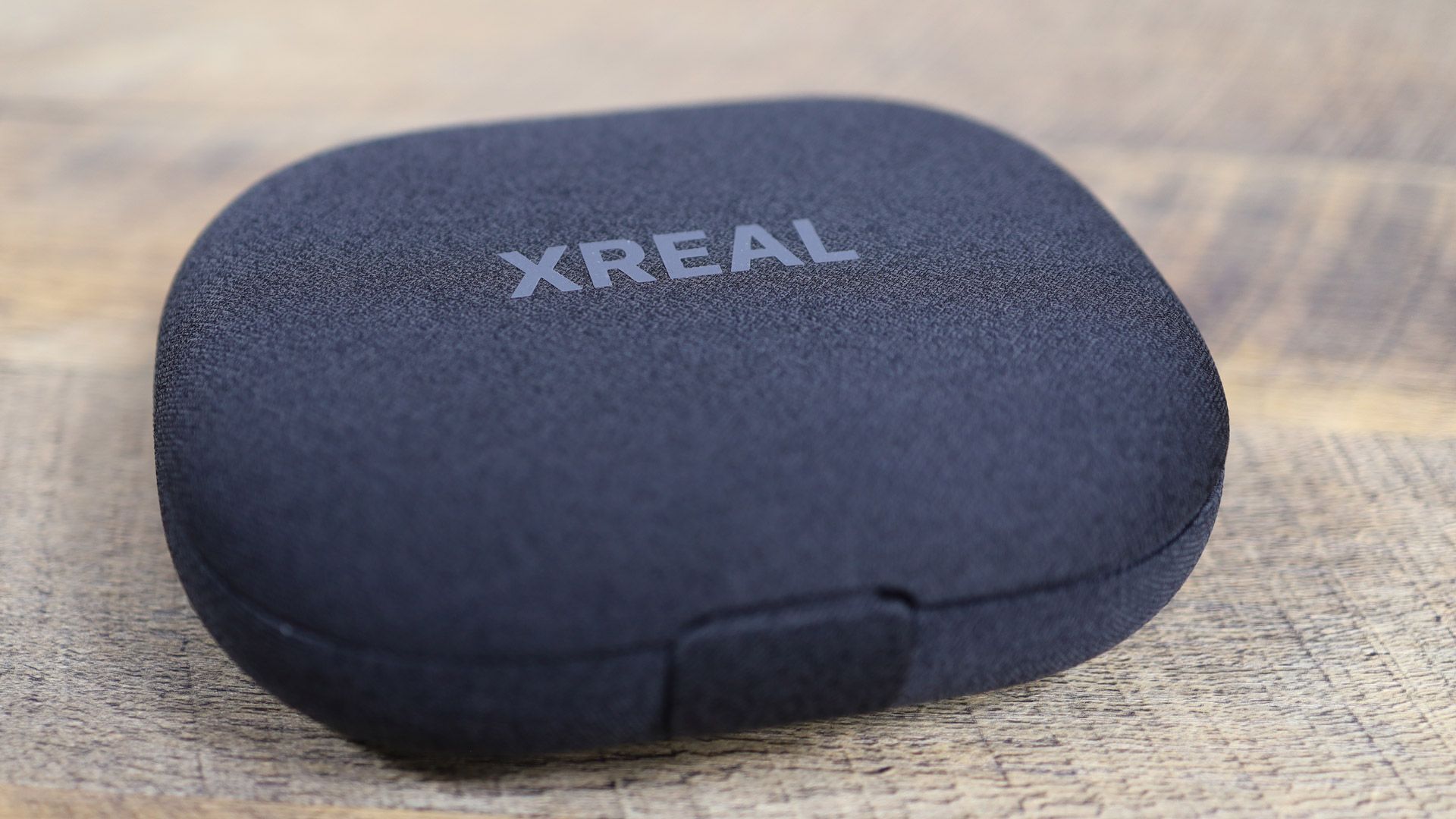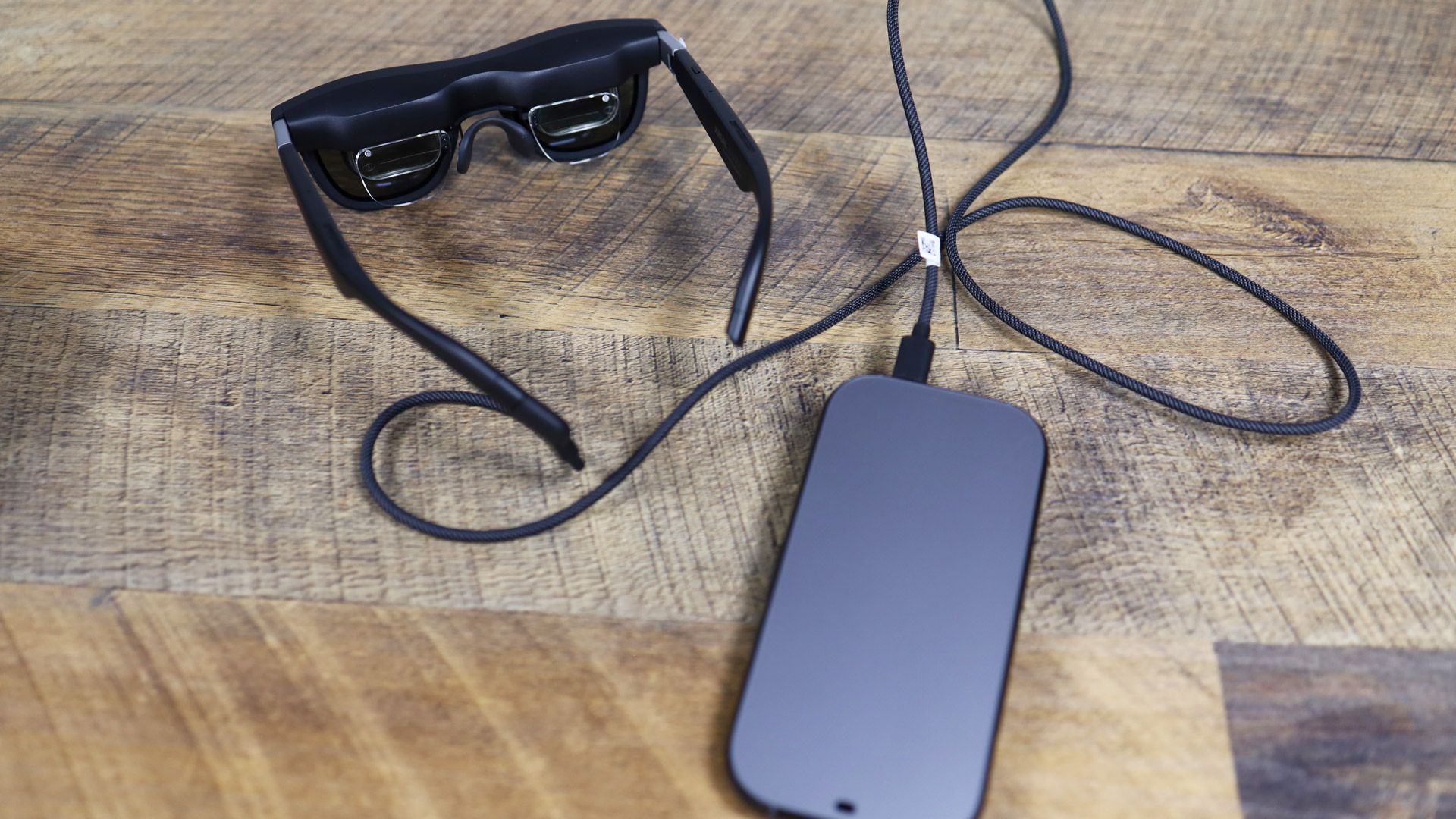

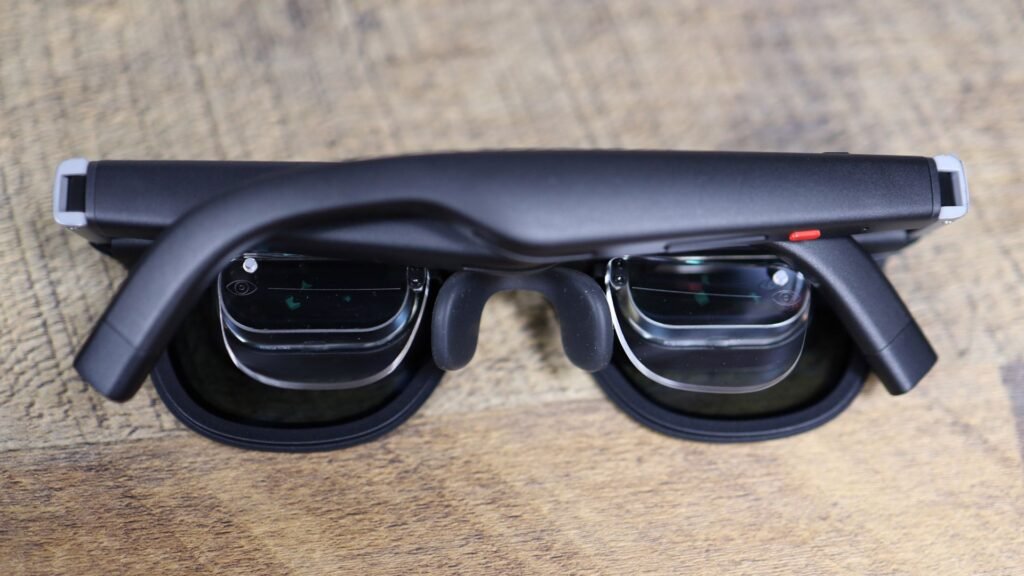
The Xreal Aura Android XR glasses arrive as a lightweight alternative in the mixed-reality market, shifting computation and battery power to a wearable compute puck. Priced at $1,099 for the base model featuring 12GB of RAM and 256GB of storage, or $1,299 for the 16GB RAM and 512GB configuration, these glasses began shipping in November in the United States, Canada, Japan, and South Korea after pre-orders opened in October. Prescription inserts are available for around $60, and the device undercuts heavier competitors like the Apple Vision Pro and Samsung Galaxy XR significantly in price.
Design and Hardware Specifications
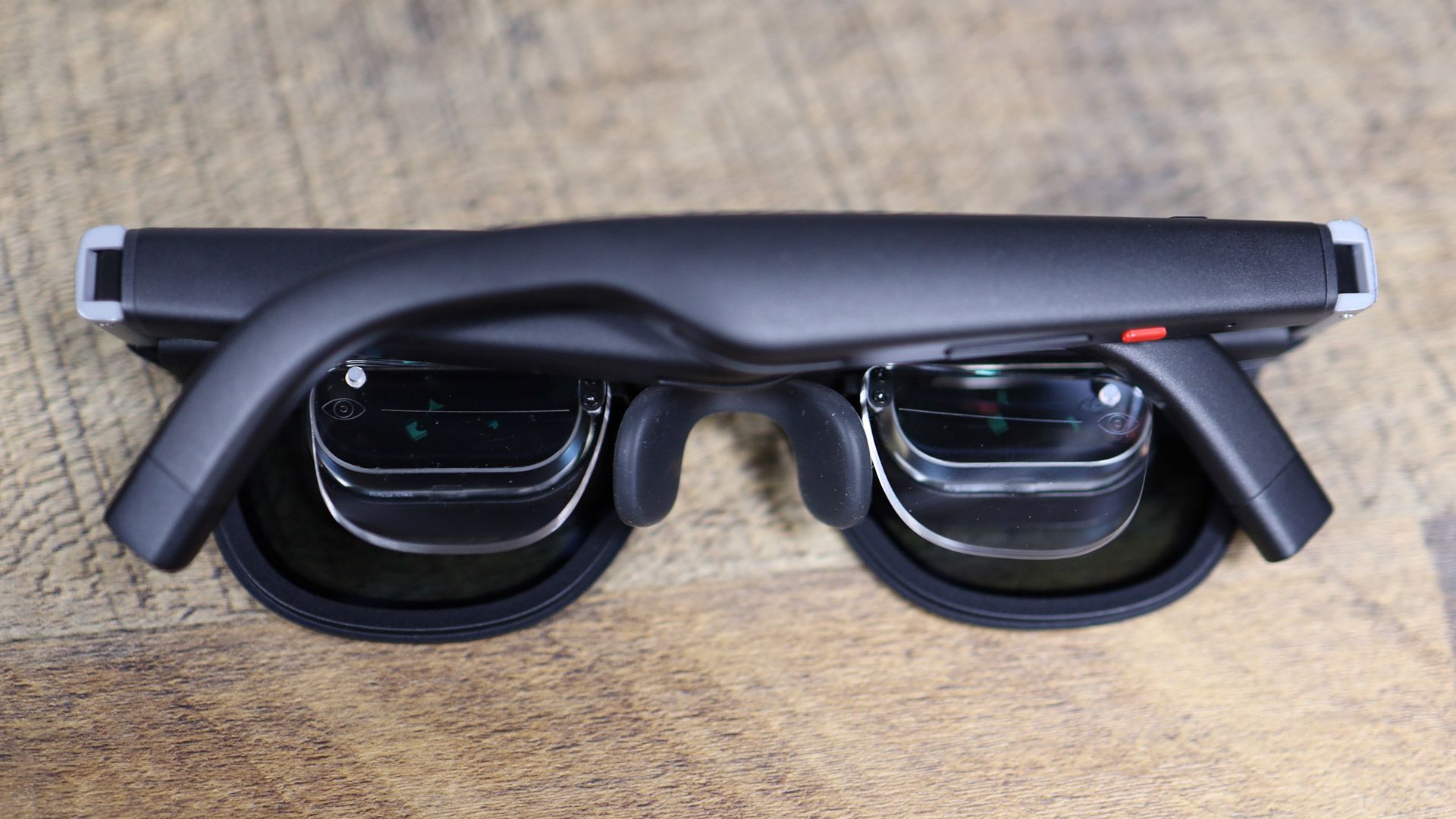
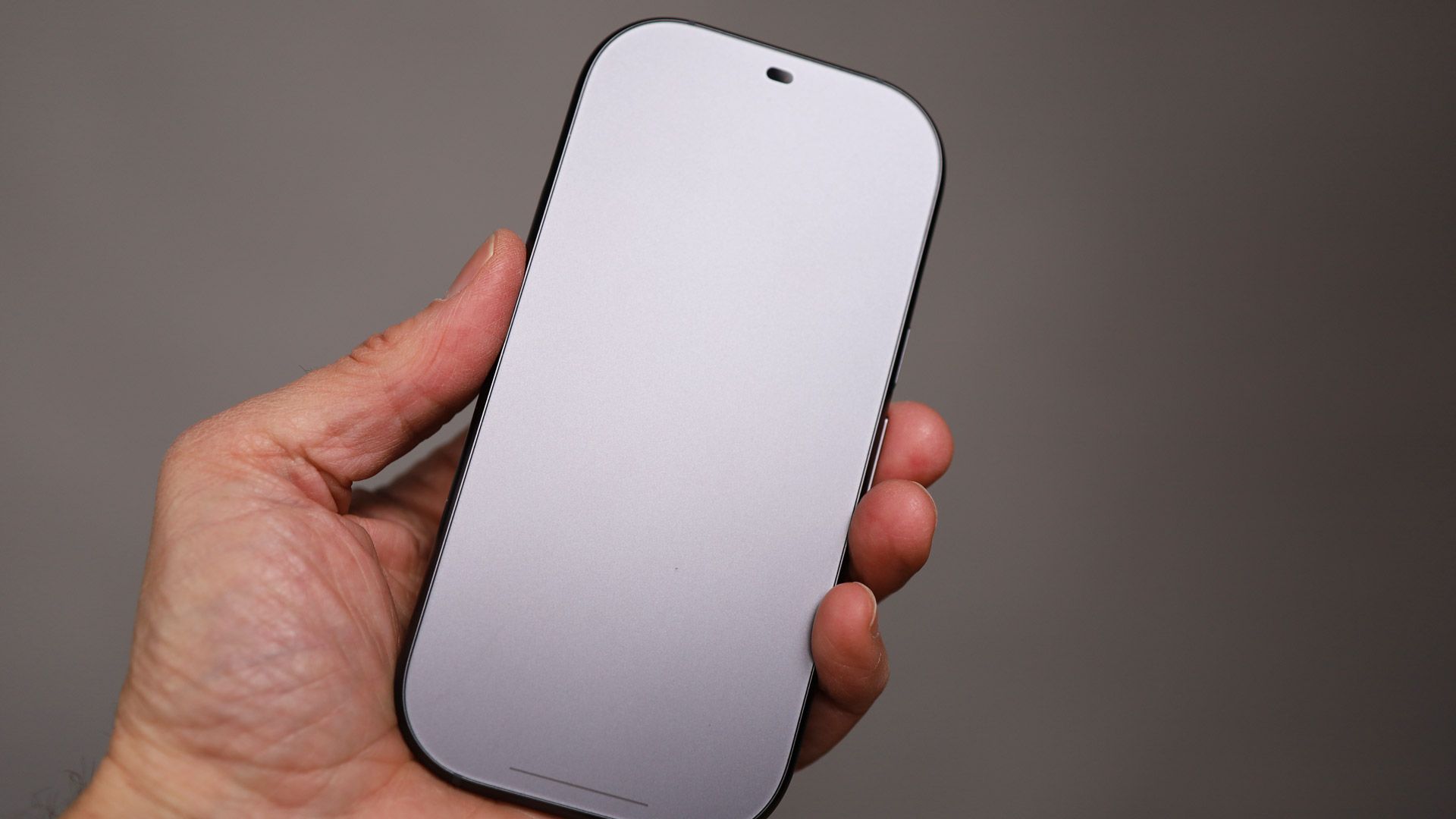
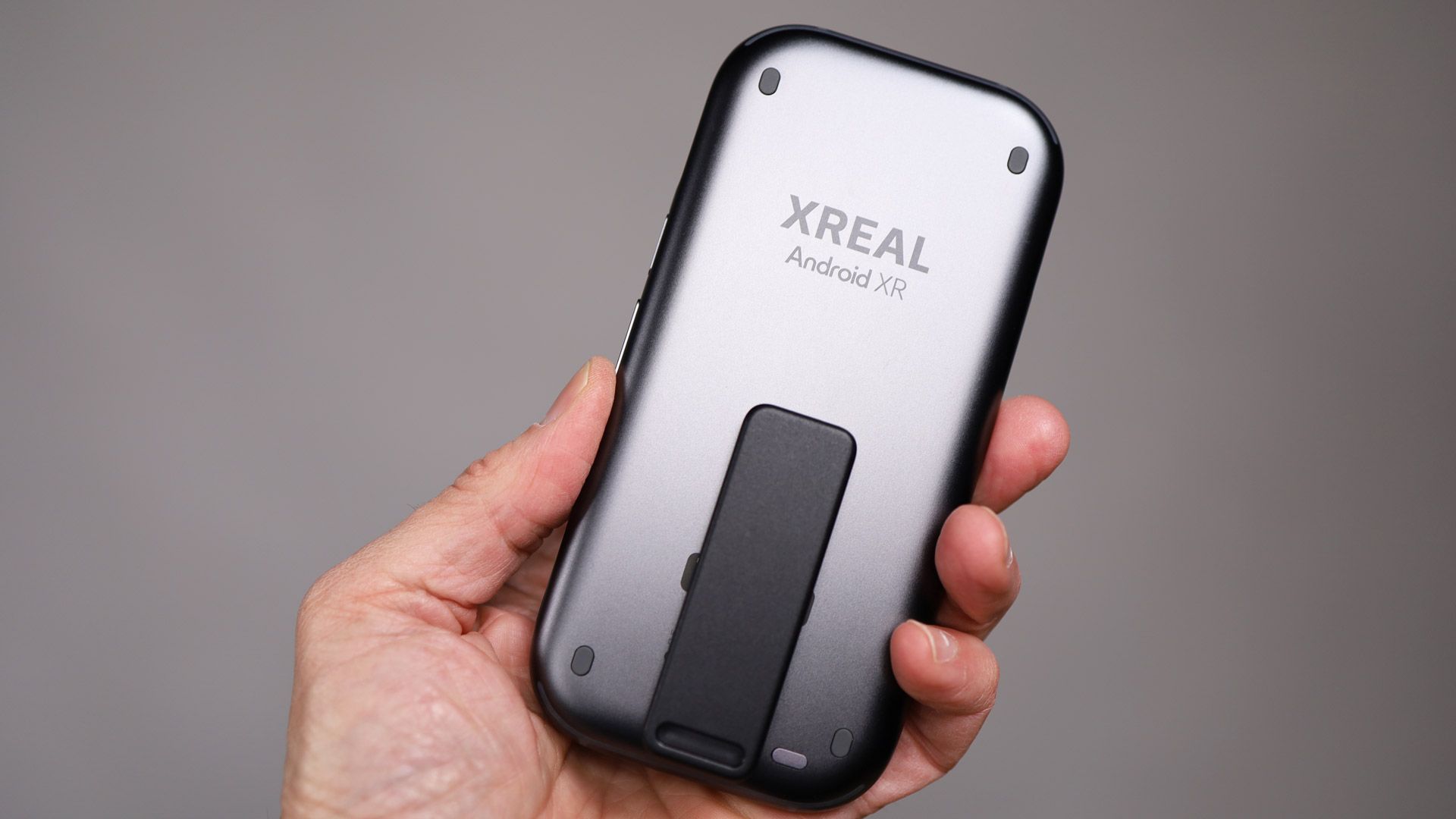
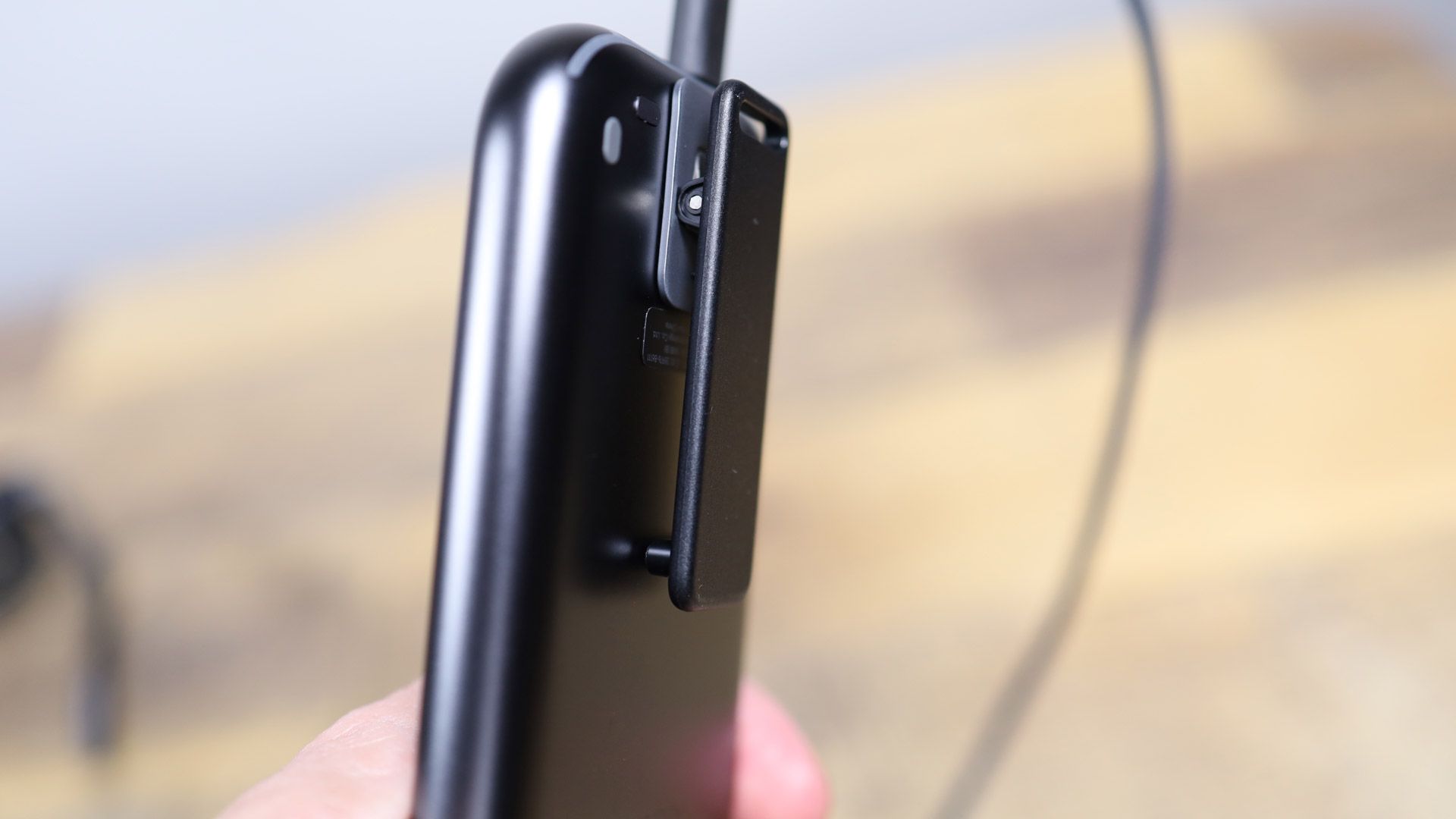
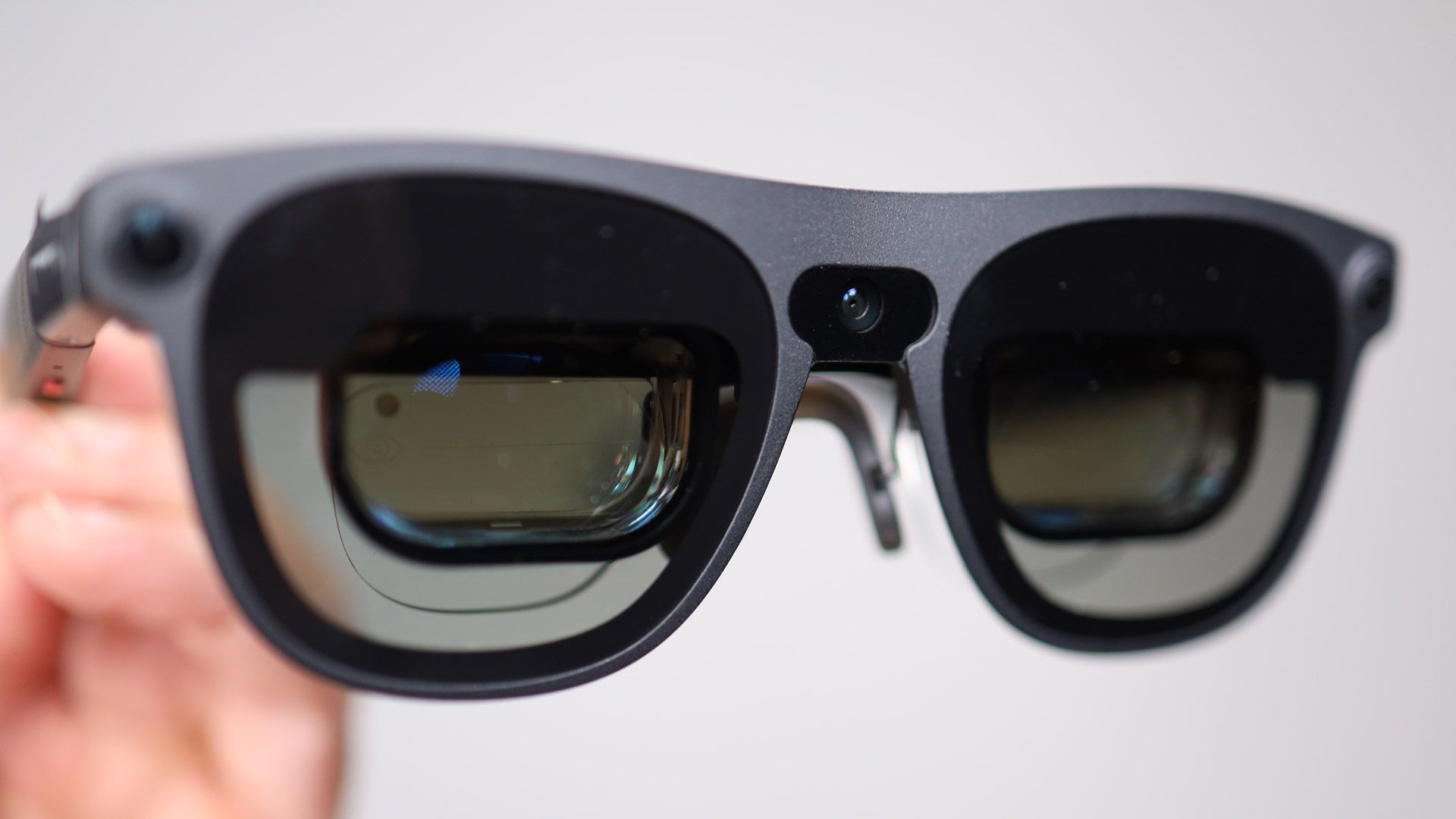
The Xreal Aura frame weighs 95 grams, accompanied by a 265-gram compute puck that houses the Qualcomm Snapdragon Reality Elite Platform CPU, Xreal S1 spatial chip, and a 4,455mAh battery rated for four to five hours of use. The device features Sony Micro-LED screens delivering 1,920 x 1,200 pixels per eye through internal prisms, offering a 70-degree field of view and a 120Hz maximum refresh rate. The front of the frame incorporates two wide lenses for six-degrees-of-freedom hand tracking and a central RGB camera with a privacy LED, alongside electrochromic lenses that darken for immersive viewing.
Performance, Productivity, and Controls
Setup involves adjusting the frame arms, swapping nose pads, and using a fast gesture-calibration process inside a virtual slot. While the system relies heavily on precise hand gestures for navigation, users can also utilize a trackpad integrated into the compute puck or a fingerprint reader for unlocking the device. Productivity features allow users to connect a laptop via a USB-C cable to mirror or extend displays into a resizable virtual screen. Applications range from puzzle games like Cubism and interactive natural content like Galápagos: The Last Eden to streaming video and Google Maps.
Gemini AI Integration
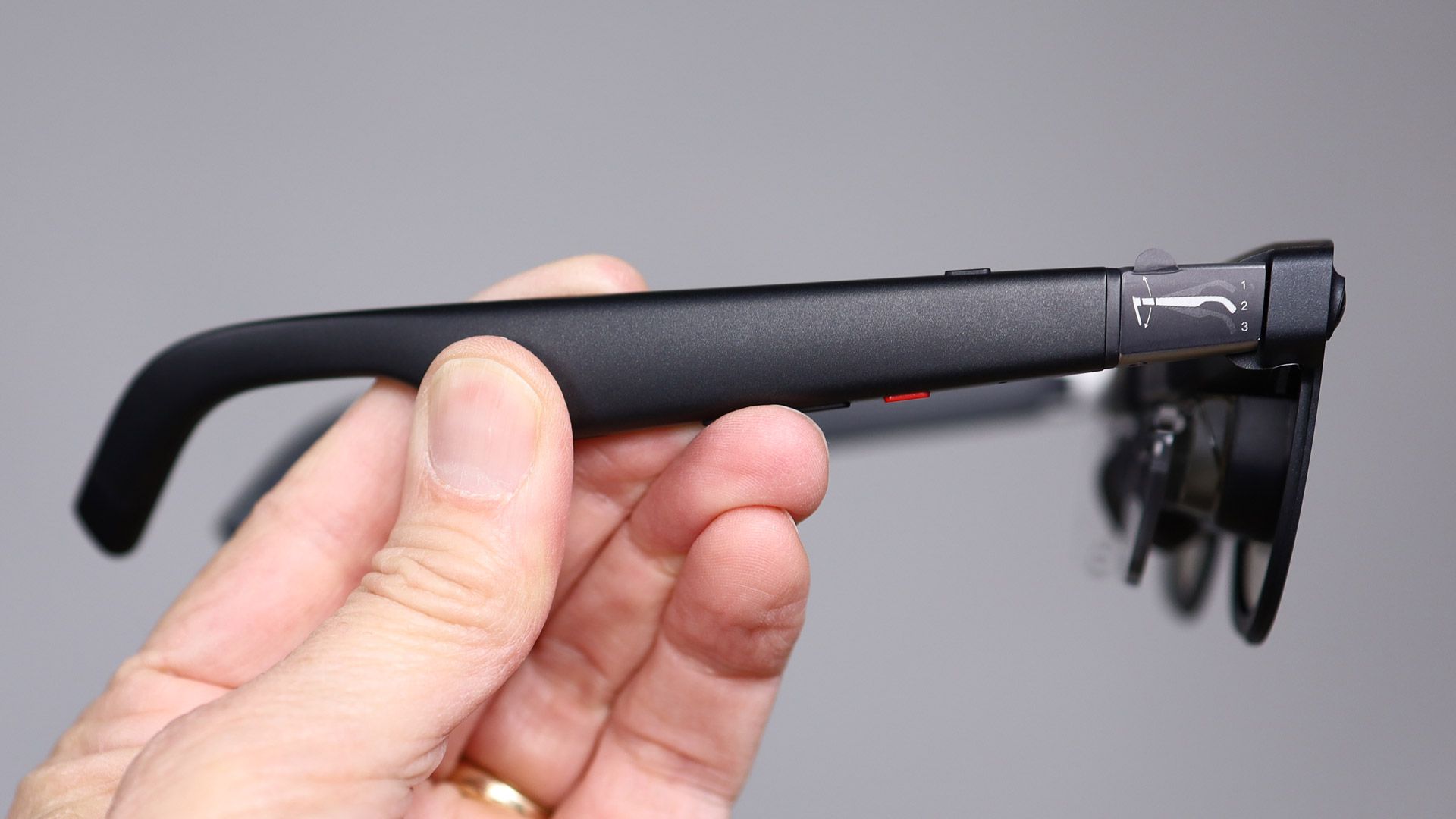
Google’s Gemini AI is built directly into the platform, accessible via a four-microphone array or by long-pressing a button on the right arm. The assistant can view the user’s screen or surroundings to help navigate the operating system, answer contextual questions, and identify real-world objects. However, testing noted occasional system delays and inaccuracies regarding background tasks like automatic screenshot capturing and video recording controls.